
peterisgb
-
Posts
790 -
Joined
-
Last visited
-
Days Won
58
Content Type
Profiles
Forums
Events
Everything posted by peterisgb
-
 Ok, Here are two little functions made for mccodes, Enjoy. This First mod. This creates 1,000 bots with stats to add to your game. Edit Where needed. Change the $add to how many bots you wish to add. function gen() { global $db; $maxUserIdResult = $db->query("SELECT MAX(userid) AS max_userid FROM users"); $maxUserIdRow = $maxUserIdResult->fetch_assoc(); $maxUserId = $maxUserIdRow['max_userid']; $add = 1000; for ($i = $maxUserId + 1; $i <= $maxUserId + $add; $i++) { $username = "user{$i}"; // Generate a unique username for each user $level = 10 + $i - $maxUserId - 1; // Level starts at 10 and increments by 1 // Calculate user stats based on level $statsMultiplier = $level * 1000000; $money = $level * 1000; $gold = $level * 100; $energy = 12 + $level * 2; $will = 100 + $level * 50; $brave = 5 + $level * 2; $hp = 100 + $level * 50; $strength = $statsMultiplier; $agility = $statsMultiplier; $guard = $statsMultiplier; $labour = $statsMultiplier; $IQ = $statsMultiplier; $email = $username."@infamous-wars.com"; $ip = "127.0.0.1"; $ran = rand(1,2); if ($ran == '1') { $gender = "Male"; } else { $gender = "Female"; } // Insert the new user into the users table $db->query("INSERT INTO users (username, login_name, userpass, level, money, crystals, donatordays, user_level, energy, maxenergy, will, maxwill, brave, maxbrave, hp, maxhp, location, gender, signedup, email, bankmoney, lastip, lastip_signup) VALUES ('{$username}', '{$username}', 'password', '$level', '$money', '$gold', 0, 0, '$energy', '$energy', '100', '100', '$brave', '$brave', '$hp', '$hp', 1, '$gender', unix_timestamp(), '$email', -1, '$ip', '$ip')"); // Insert the user stats into the userstats table $db->query("INSERT INTO userstats (userid, strength, agility, guard, labour, IQ) VALUES ($i, $strength, $agility, $guard, $labour, $IQ)"); } echo "1000 new users inserted successfully."; } The case -> case 'gen': gen(); break; Thats that one, Random hehe. Ok this next mod is to change users ID to another ID. NOTE: Please edit the 3rd function cuseriddo and remove/add what is needed for your tables. As this is free i ain't removing mine. function cuseri() { global $db, $c; ?> <h2>Change Userid</h2> <form action="?action=cuserid" method="post"> User: <?php echo user_dropdown($c, 'user'); ?><br /><br /> <input type='submit' value='Select User' /> </form> <?php } function cuserid() { global $db; $userid = $_POST['user']; $detail = $db->query("SELECT * FROM users WHERE userid=$userid"); $de = $db->fetch_row($detail); ?><br /> Editing user: <?php echo $de['username']; ?><br /> <form action="?action=cuseriddo" method="post"> Current userid: <input type="text" name="useridold" value="<?php echo $userid; ?>" /><br /> New userid: <input type="text" name="useridnew" /><br /><br /> <input type='submit' value='Set User ID' /> </form> <?php } function cuseriddo() { global $db, $userid; $useridold = $_POST['useridold']; $useridnew = $_POST['useridnew']; $tablesToUpdate = array( 'academy_enrolled' => 'user_id', 'applications' => 'appUSER', 'attacklogs' => array('attacker', 'attacked'), 'bankxferlogs' => array('cxFROM', 'cxTO'), 'blackjack' => 'userid', 'blacklist' => array('bl_ADDER', 'bl_ADDED'), 'bugreports' => 'reporter', 'businesses' => 'busDirector', 'businesses_apps' => 'appMember', 'businesses_members' => 'bmembMember', 'cashxferlogs' => array('cxFROM', 'cxTO'), 'chat_box' => 'chat_user', 'city' => 'owner', 'comments' => array('cmtTO', 'cmtFROM'), 'contactlist' => array('cl_ADDER', 'cl_ADDED'), 'coursesdone' => 'userid', 'courses_enrolled' => 'user_id', 'crystalmarket' => 'cmADDER', 'crystalxferlogs' => array('cxFROM', 'cxTO'), 'enemieslist' => array('uid', 'aid'), 'events' => 'evUSER', 'facilities' => 'owner', 'forum_forums' => 'ff_lp_poster_id', 'forum_posts' => array('fp_poster_id', 'fp_editor_id'), 'forum_topics' => array('ft_owner_id', 'ft_last_id'), 'friendslist' => array('fl_ADDER', 'fl_ADDED'), 'gangs' => array('gangPRESIDENT', 'gangVICEPRES'), 'gangdonatelogs' => array('ixFROM', 'ixTO'), 'gdonatelogs' => array('ixFROM', 'ixTO'), 'hospital' => 'uid', 'imarketaddlogs' => 'imaADDER', 'imbuylogs' => array('imbADDER', 'imbBUYER'), 'imremovelogs' => array('imrADDER', 'imrREMOVER'), 'inventory' => 'inv_userid', 'itembuylogs' => 'ibUSER', 'itemmarket' => 'imADDER', 'itemscreated' => 'iUSER', 'itemselllogs' => 'isUSER', 'itemxferlogs' => array('ixFROM', 'ixTO'), 'jaillogs' => array('jaJAILER', 'jaJAILED'), 'mail' => array('mail_from', 'mail_to'), 'marriages' => array('marriage_from', 'marriage_to'), 'minemarket' => 'cmADDER', 'minesxferlogs' => array('cxFROM', 'cxTO'), 'modules_enrolled' => 'user_id', 'monthly_winners' => 'userid', 'npaper' => 'npADDER', 'owned_houses' => array('uhouseOwner', 'uhouseTenant'), 'pets' => 'petowner', 'preports' => array('prREPORTER', 'prREPORTED'), 'proposals' => array('proposal_from', 'proposal_to'), 'referrals' => array('r_referrer', 'r_referred'), 'skills' => 'userid', 'stafflog' => 'user', 'staffnotelogs' => array('snCHANGER', 'snCHANGED'), 'suggestions' => 'sugPlayer', 'suggestionVotes' => 'vPlayer', 'unjaillogs' => array('ujaJAILER', 'ujaJAILED'), 'users' => 'userid', 'userstats' => 'userid', 'usershops' => 'userid', 'usershoplogs' => array('buyer', 'seller'), 'votes' => 'userid', ); foreach ($tablesToUpdate as $table => $useridFields) { if (is_array($useridFields)) { $conditions = ''; foreach ($useridFields as $field) { $conditions .= "`$field`='$useridold' OR "; } $conditions = rtrim($conditions, ' OR '); $db->query("UPDATE $table SET " . implode(", ", array_map(function($field) use ($useridnew) { return "`$field`='$useridnew'"; }, $useridFields)) . " WHERE $conditions"); } else { $db->query("UPDATE $table SET `$useridFields`='$useridnew' WHERE `$useridFields`='$useridold'"); } echo "ID changed from $useridold to $useridnew in table $table<br>"; } $usern = $db->fetch_row($db->query("SELECT * FROM users WHERE userid=$userid")); $username = $usern['username']; stafflog_add("$username Has changed UserID $useridold ID to $useridnew "); } And here are your cases for this -> case 'cuseri': cuseri(); break; case 'cuserid': cuserid(); break; case 'cuseriddo': cuseriddo(); break; 2 simple mods. Enjoy
- 1 reply
-
- 2
-

-
Mccodes does indeed have one, Head to lib/basic_error_handler.php and edit line 31. define('DEBUG', false); to define('DEBUG', true);
-
Just the basic. https://chat.openai.com/
-
Its slow but i'm looking forward to it. Been going for 24ish hours now

-
I use chat in mine hehe. Well I've never really had any successfull sites, but always maintained people coming back. All i can do is keep at it, my dedication shows in my game and work which is what most people come back for. I guess not having loads of users allows me to listen to what users i have to improove things. Game eco. Well with Mccodes based, theres no chance, I've found they keep getting out of control.
-
Do you have a link or an image/screenshot?
-
Ok, Well. So I don't have this on my game, this being made LONG ago and i can't be bother to optimize, So I've decided to use AI to sort it. I didn't know the bot could read pastebin!!!. This is what the bot said and now it got it to sort it haha. If you're concerned about the character limit for posting your code here, you can try breaking it down into smaller chunks and sharing them one by one. Alternatively, you can use online code-sharing platforms like GitHub Gist or Pastebin to share your code and provide the link here. That way, you can share the entire code without worrying about any character limits.
-
yeah, it is quite a code. Not my longest at all but pretty long 😄 My biggest mod is still in production but its upto 2300 lines and still going 😄
-
Buying content for GLv2 (Items, Images etc)
peterisgb replied to TesterPro's topic in Gangster Legends
ugh, money money money. -
Site Updated a little and new mod added
-
I have updated this. You can find this on my Mod Site. https://infamous-wars.com/mod/index.php Why my Mod site? Well This is one of my LIVE mods. Visit the site and Select "Triple Bank"
-
That map.... Tbh that map looks way better and makes mine look like dog s**t lol
-
hehe, After i got this far it didnt quite fit into the game i was running at the time so i posted it here instead of just binning it as it was too much of a good idea just to throw it away, specially after all the work put into it.
-
This was before i really learnt arrays, Still not great arrays but had i know how to do arrays this wouldnt be half as long as it is. I'd suggest to array most of this before working on it.
-
Negative. It was a mini project that never went anywhere. so i stopped in 2016.
-
Formatting your PC every 2 months..... Yikes that seems like a massive hasstle to do.
-
More info needed, Price Range, Kinda of game you are looking for. You mention was operational? Could it be like a code from a game like 10 years ago that wouldn't work beyond php5 without updates? or a game that would work by simple upload and setup?
-
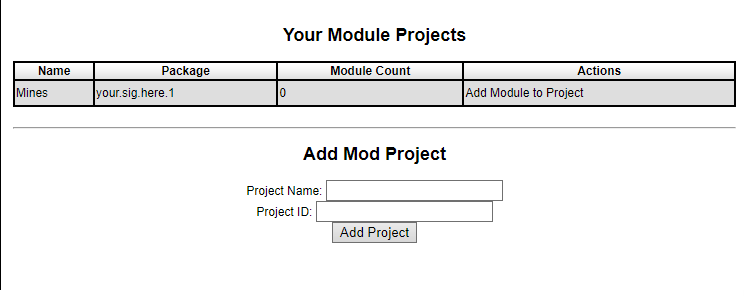
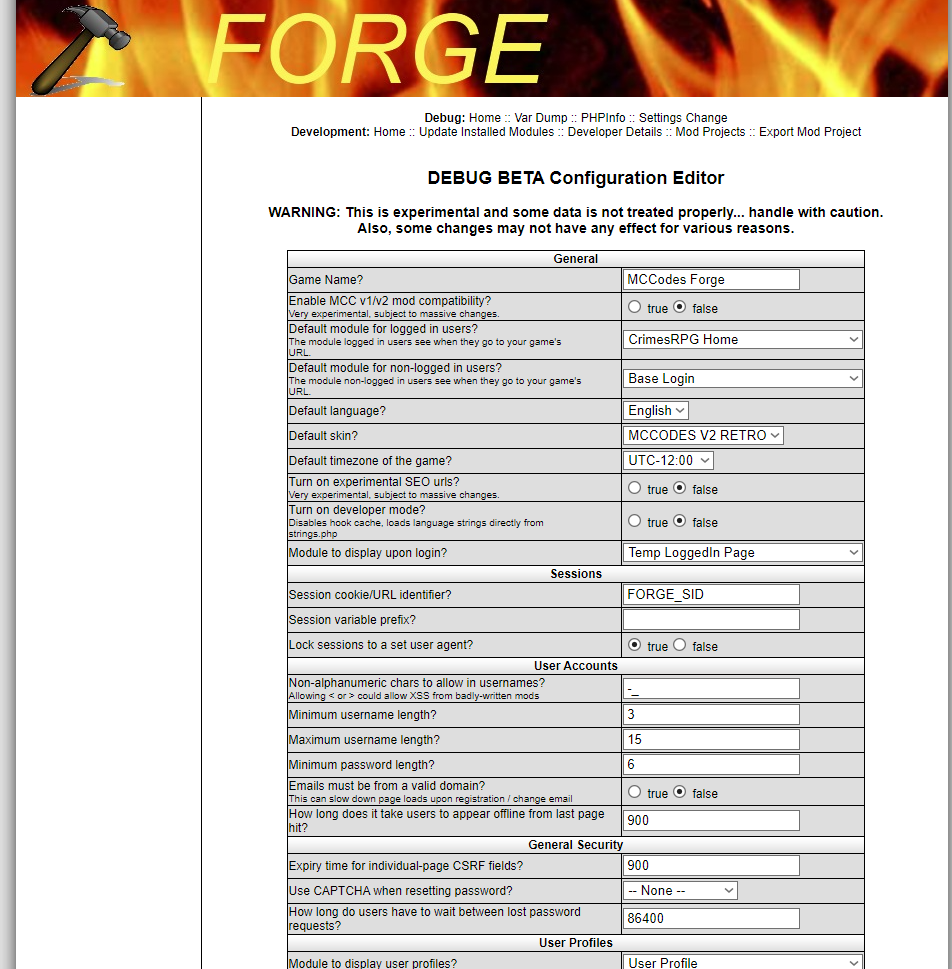
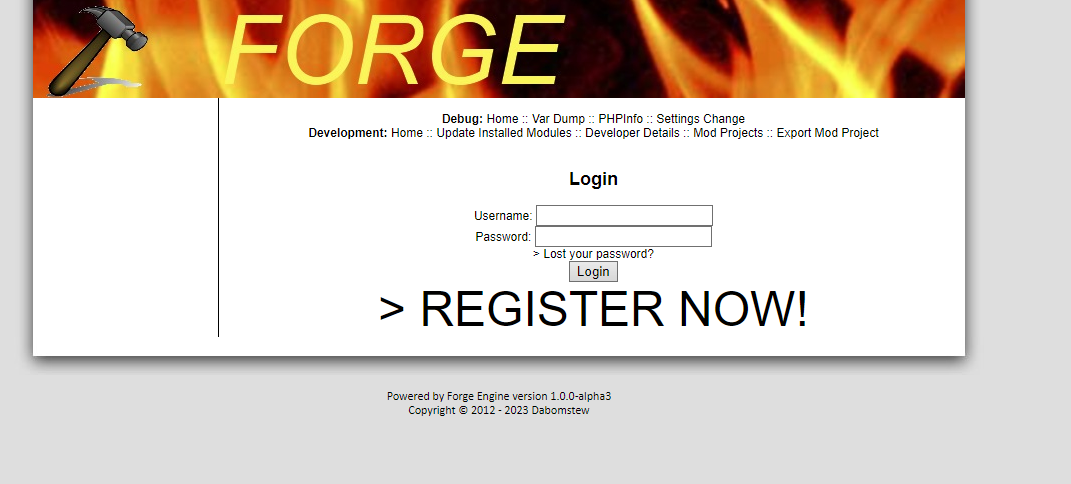
When you say "modular", You wouldn't mean something like this?
-
yeah, pain in the f**king arse to work through all the outdated and broken shizzle to get to that stage, i've had to rewrite all the users db aswell. So stressfull that i dont work on it often.
-
Well I've just uploaded the copy i have of it to fix it and meh, not to bad so far, ALOT to fix and quite alot of outdated stuff.
-
Yup, I've looked at the V3 files, Its deffo NOWHERE near ready or usable. And will never be ready i guess. Is Mccodes abandware now or does someone still hold the rights to mccodes now?
-
Thanks. Part too do with this website. PEMi has been updated to v0.0.9.
-
As for the most part this shouldn't stop or break the register system and is only minor display issues on a page that isn't really important 😄 But i have sorted it regardless.
-
you need to add the field "itmpic" you items where your game items are stored and i think thats it
-
Because the core, login/registration was a quick and simple system to use and get started from. Easier to remove un needed code without breaking much I've never actually built a login/registration system before so it made it easier to strip and keep it working.